I’ve watched plenty of people stay on WordPress long after it stopped working for them. Not because they loved it. They just didn’t know what else was out there, and moving a website sounds like a huge, scary job.
If that’s you, this post should help. Below are ten WordPress CMS alternatives, what each one does well, where it annoys people, and who should actually use it. I kept the language plain on purpose. If a term needs explaining, I explain it.
Why People Start Looking for WordPress CMS Alternatives
It usually starts small. A page loads slowly. An update breaks the contact form. A week later something else goes wrong, and suddenly you’re searching for WordPress alternatives at midnight. That’s the moment when WordPress CMS alternatives stop sounding like a nerdy topic and start sounding like a rescue plan.
The Plugin Pile-Up
A fresh WordPress install does very little on its own. Want a shop? Plugin. Decent SEO settings? Plugin. A popup? Another plugin. Every one of them gets updates from a different developer, who may or may not have tested it against the others. One bad update and you’re staring at a blank white screen. Not fun when a client is waiting.
Block Editor Limitations
The block editor is fine for writing a post. Page design is where it gets annoying. Try placing something exactly where you want it, or making a layout look the same on a phone and a laptop, and you’ll probably end up installing yet another plugin to fix it. A lot of people searching for WordPress block editor limitations alternatives are really just tired of fighting their own page.
Security and Speed
WordPress runs a huge slice of the internet, so it’s a big target. Most attacks go after old or abandoned plugins. Stack up enough of them and your pages get heavy too, which means slower loading and unhappy visitors. Plenty of the best alternatives to WordPress handle updates and security for you, so that’s one worry off your plate.
What Are Some Alternatives to WordPress?
It depends on what you’re building. A bakery website and a news site with ten writers need very different things.
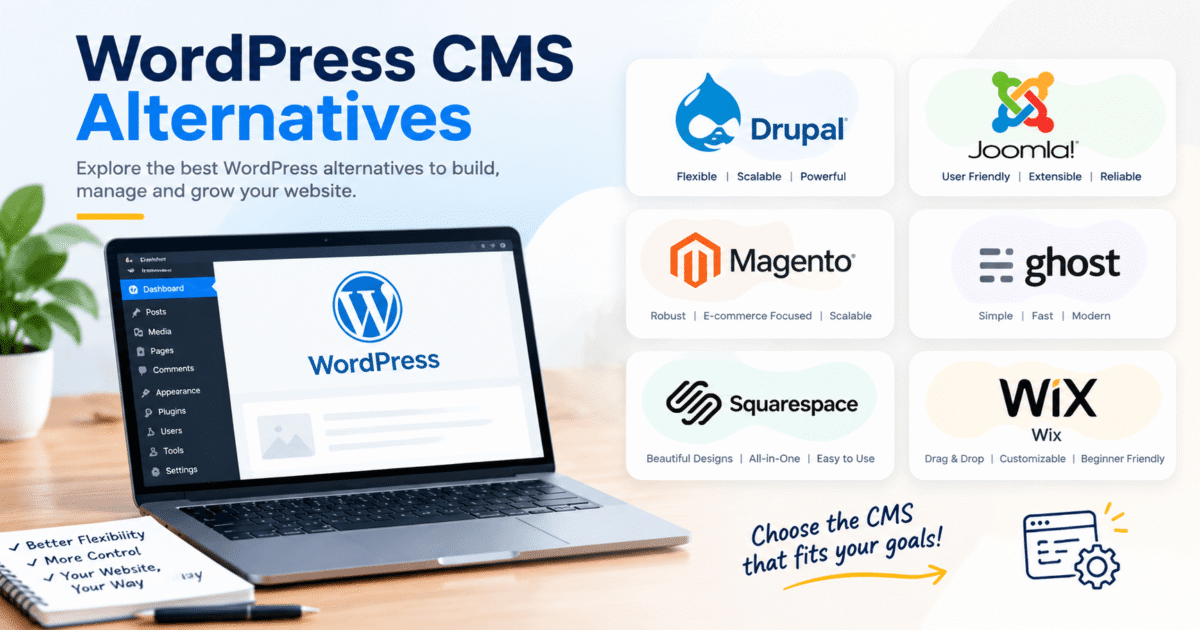
Most WordPress CMS alternatives fall into three buckets. Website builders are the all-in-one kind, where you design, host and publish from a single place. Open source systems work more like WordPress, where you install the software yourself and keep it running. Then there are headless systems, which only store your content and leave the display part to a developer. Here’s a quick snapshot of all ten before we go deeper.
| Platform | Type | Good For | Skill Needed |
| Wix | Website builder | Small business sites | Beginner |
| Squarespace | Website builder | Portfolios and creative brands | Beginner |
| Webflow | Visual design platform | Custom designs without code | Intermediate |
| Shopify | Online store platform | Selling products | Beginner |
| Ghost | Publishing platform | Blogs and newsletters | Beginner to intermediate |
| Drupal | Open source CMS | Big, complex sites | Advanced |
| Joomla | Open source CMS | Membership and community sites | Intermediate |
| Strapi | Headless CMS | Developer led projects | Advanced |
| Contentful | Headless CMS | Large teams, many screens | Advanced |
| Framer | Design and publishing tool | Fast, modern landing pages | Beginner to intermediate |
How to Pick Between WordPress CMS Alternatives
Don’t start by comparing features. Start with a few boring questions.
How much can you spend each month, and will anyone help you with the technical bits? Be honest here. A tool that needs a developer is useless if you don’t have one. Next, what is the site actually for? A blog with weekly posts is a different animal from a store with hundreds of products. And where will you be in two years? If you might add a second language or a mobile app, pick something that can stretch.
Also, ignore the hype. The trendiest tool this year might be a terrible fit for a small local business. The best alternatives to WordPress are simply the ones that match your situation.
The 10 Best WordPress CMS Alternatives for 2027
1. Wix
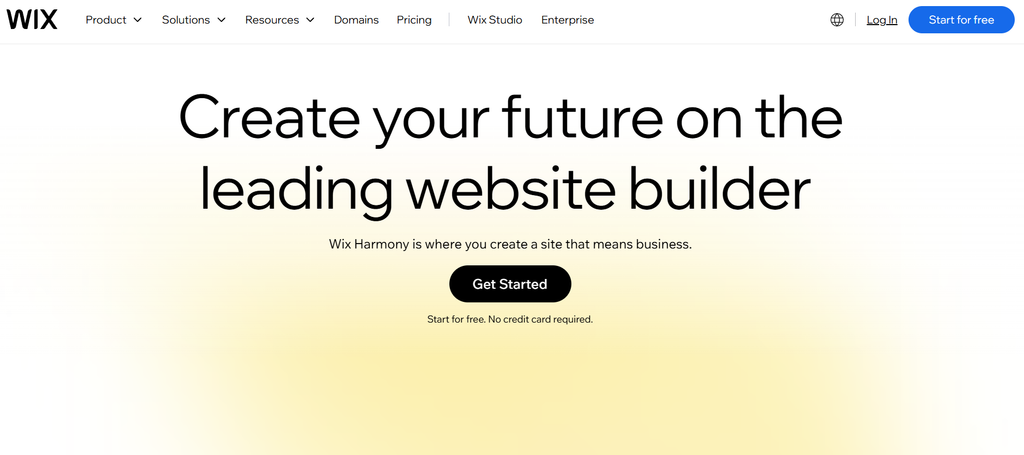
Wix is probably the quickest route from “I need a website” to “it’s live.” You drag things around, pick a template and hit publish. Hosting and security come with it, so there’s nothing to install.
The catch is that your content gets a bit stuck there. If you build a big site on Wix and later decide to leave, moving everything out is a pain. It’s great for a small business site or a side project. Less great if you expect to grow into something huge.
2. Squarespace

Squarespace templates look good the moment you pick them. That’s the whole appeal. Photographers, wedding planners and small brands love it because you don’t need an eye for design to end up with something tidy.
You do play by its rules, though. If you want one tiny thing placed differently, sometimes you just can’t. For people who want a sharp site without fiddling, it’s one of the best WordPress alternatives out there.
3. Webflow
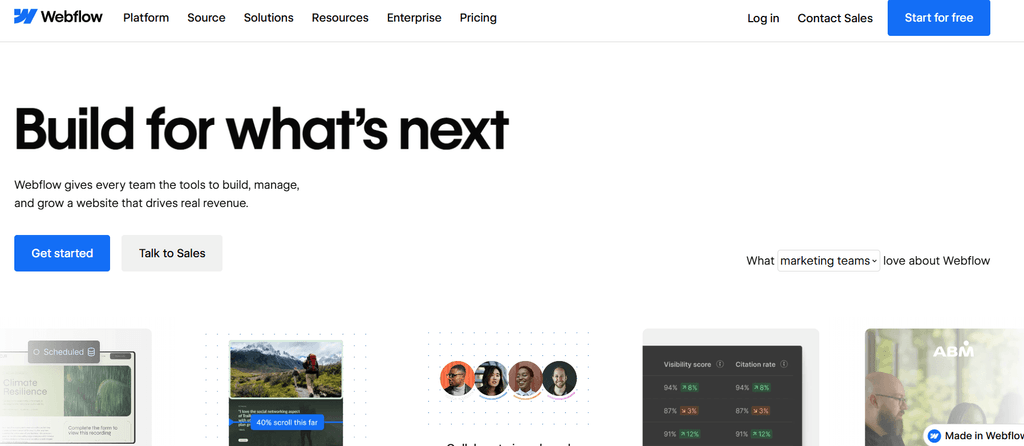
Webflow is where a lot of designers land after they get fed up with WordPress. You get serious control over layout, spacing and animation, and you never have to write code by hand.
Fair warning, it takes a few weeks to feel comfortable. The first time you open it, it looks like an airplane cockpit. Once it clicks, though, you can build almost anything you can picture. Among WordPress CMS alternatives, it’s the one I’d point a design-minded person toward first.
4. Shopify

If you mainly want to sell stuff, just use Shopify. Product pages, payments, shipping rates and stock counts are all there, and they all talk to each other. No juggling five different shop plugins.
Blogging on it works but feels basic. Think of it as a store that happens to have a blog, not the other way around.
5. Ghost
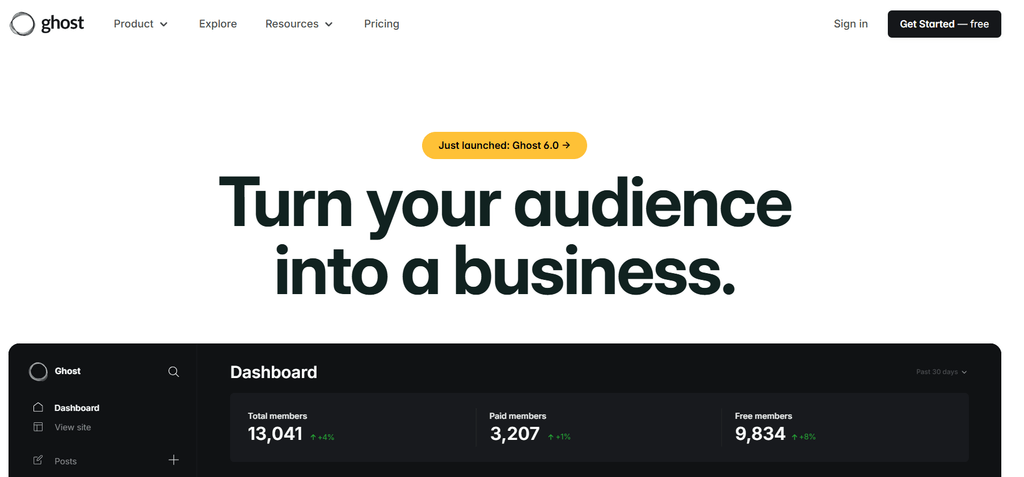
Ghost is for people who write. It’s quick, clean, and has newsletters and paid memberships built right in. Bloggers who were paying for three separate tools on WordPress often find they can drop two of them.
Don’t pick it if you need a dozen different page layouts for a business site. It isn’t made for that. For articles and subscribers, though, it’s lovely.
6. Drupal
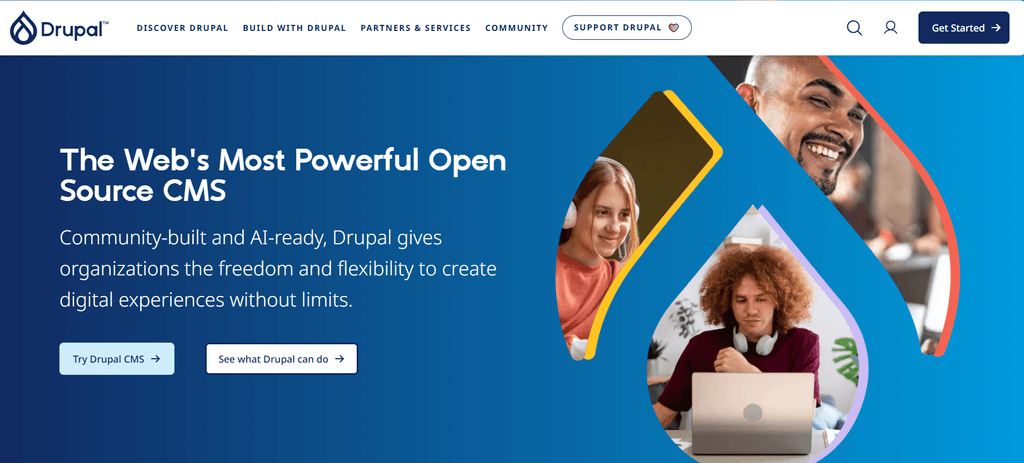
Drupal is the heavyweight. Big organizations use it when they have thousands of pages, lots of editors, and strict rules about who can change what.
It isn’t friendly. You’ll almost certainly need a developer, and setup takes a while. For a small site it’s like buying a truck to carry groceries. For large, serious projects, though, it’s one of the stronger WordPress CMS alternatives around.
7. Joomla
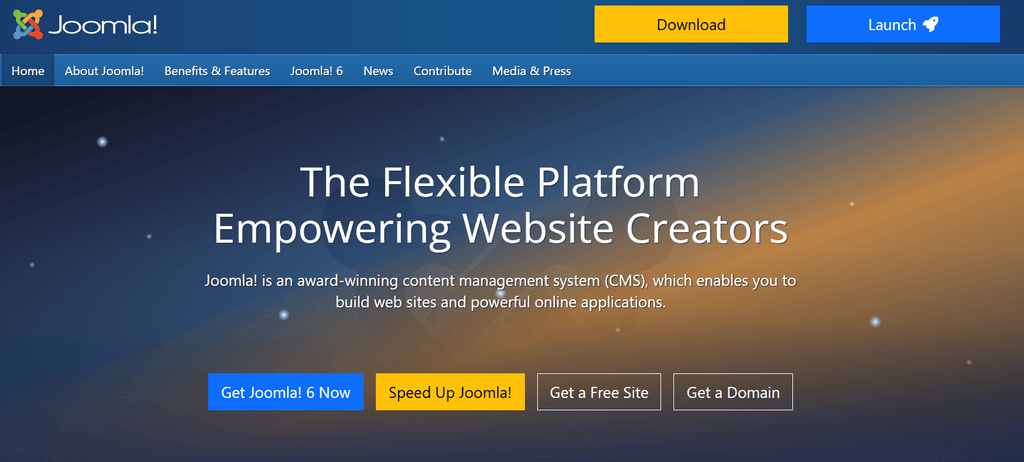
Joomla sits somewhere between WordPress and Drupal. It has more built-in features than WordPress, like multiple languages and user groups, but it’s easier to learn than Drupal.
Membership sites and community portals are where it shines. Its add-on library is smaller than WordPress, so you may not find a ready-made fix for every little thing. Still dependable if you like open source.
8. Strapi
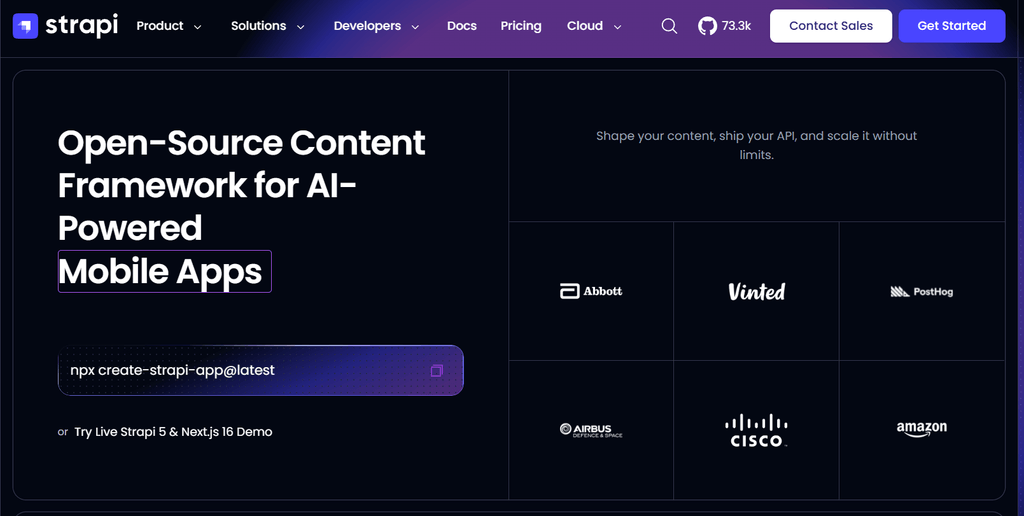
Strapi is a headless system, which just means it stores your content and nothing else. A developer builds the actual website or app that shows it.
If you’ve got a developer who enjoys modern tools, they’ll probably be happy with it. If you’re a business owner working alone, skip it. It would feel like being handed engine parts when you wanted a car. Developer-led teams exploring WordPress CMS alternatives should still give it a try.
9. Contentful

Contentful is headless too, but it’s a paid, hosted service aimed at bigger teams. It makes sense when the same content has to show up on a website, a phone app and maybe a screen in a shop.
Costs climb as you grow, and setup needs real technical help. Small teams rarely need it. Companies publishing across many channels often do.
10. Framer
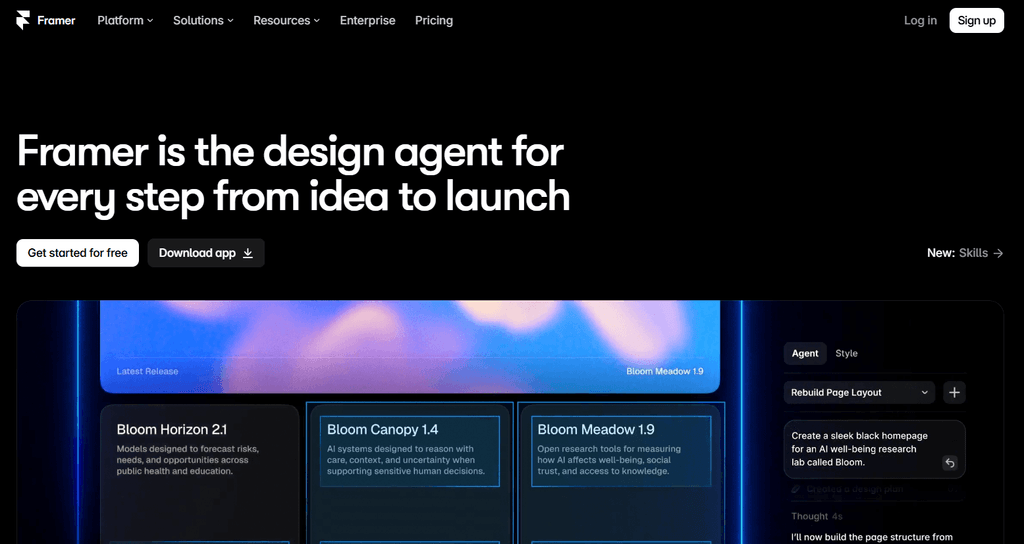
Framer began as a design tool and grew into a full website publisher. You design visually, publish fast, and the pages usually load quickly with smooth animations.
I’d use it for landing pages, startup sites and small marketing sites. I wouldn’t use it for a huge blog or a big store. It’s built for looking sharp in a hurry.
Cost and Control Side by Side
Money and control pull in opposite directions with most WordPress CMS alternatives. Easy tools charge a steady monthly fee and give you less freedom. Open source tools are cheaper at the start but cost you more time or developer hours later.
| Platform | How You Pay | Control | Upkeep Needed |
| Wix | Monthly plan | Low to medium | Very low |
| Squarespace | Monthly plan | Low to medium | Very low |
| Webflow | Monthly plan per site | High | Low |
| Shopify | Monthly plan plus extras | Medium | Low |
| Ghost | Hosted plan or self hosted | Medium | Low to medium |
| Drupal | Free software, paid hosting | Very high | High |
| Joomla | Free software, paid hosting | High | Medium to high |
| Strapi | Free software, paid hosting | Very high | High |
| Contentful | Usage based plan | Very high | Medium |
| Framer | Monthly plan | Medium | Very low |
Before You Switch, Do These Things
Moving a website is a lot like moving house. It goes fine if you plan ahead and gets messy if you don’t. Whichever of the WordPress CMS alternatives you pick, take a full backup first, including your posts, pages and images.
Write down your current page addresses too. If the new platform changes them, set up redirects so you don’t lose your search rankings. Most WordPress CMS alternatives cover SEO basics like page titles and descriptions, but the settings live in different spots, so check them before launch. Then test everything on a private version. Ten minutes of testing now beats a weekend of panic later.
Frequently Asked Questions
1. What are the best WordPress CMS alternatives for beginners?
Wix, Squarespace and Framer are the friendliest. You don’t need to know code, and hosting is included. If you mostly want to sell products, Shopify is the easier pick.
2. Is WordPress still worth using in 2027?
For many people, yes. It’s flexible and has a giant community behind it. But if you’re tired of plugin trouble, one of the WordPress CMS alternatives may suit you better.
3. What are some alternatives to WordPress for blogging?
Ghost is the top choice for pure blogging because it’s fast and has newsletters built in. Squarespace and Wix also work well for personal or business blogs.
4. Which of the WordPress alternatives is best for online stores?
Shopify. It handles payments, shipping and stock in one place, so you don’t have to stitch together a bunch of plugins.
5. Are there free WordPress alternatives CMS options?
Yes. Drupal, Joomla and Strapi are free to download. You’ll still pay for hosting, and you may need a developer to set things up and keep them running. Several WordPress CMS alternatives work this way.
6. Can I move my content from WordPress to another platform?
Usually, yes. You can export your posts, pages and images and import them into the new tool. Some things will need manual fixing, and you should always set up redirects to protect your rankings.
7. What can I use if the block editor feels too limiting?
Webflow and Framer give you much finer control over design. Both let you build layouts visually, which is why they come up so often when people look for WordPress block editor limitations alternatives.
Conclusion
There’s no single winner here, and honestly that’s good news. The right pick depends on what you’re building, how much time you have, and how much control you want. Among WordPress CMS alternatives, Wix, Squarespace and Framer keep things simple. Shopify is built for selling. Ghost is great for writers. Webflow gives designers freedom. Drupal, Joomla, Strapi and Contentful suit bigger or more technical projects.
My advice: try two or three with free trials before you commit. Pick the one that feels natural, not the one with the loudest ads. A tool that matches your goals will save you time, stress and money. If you’re ready to move on, 2027 is a good time to explore WordPress CMS alternatives and find the one that actually fits.
Ready to build or improve your website? Contact us to discuss your goals and discover the right solution for your business.